
The numbers back this up. Private industry logged 937,620 musculoskeletal disorder cases resulting in days away, job transfer, or restriction during the 2023-2024 reporting period, according to the National Safety Council. Many of these injuries develop gradually, long before anyone files a claim.
A workplace ergonomic assessment is a structured review of how workers interact with their tasks, tools, equipment, and surroundings, built to catch those conditions before they become an MSD. This guide covers what an assessment includes, how to run one, which tools fit which tasks, how to prioritize fixes, and when bringing in outside expertise makes sense.
Key Takeaways
- Combine injury data, direct observation, worker feedback, and task measurements for a complete picture
- Treat risk scores as one input, weighed against force, duration, and employee-reported discomfort
- Turn findings into documented controls with owners, deadlines, and a follow-up assessment date
- Repeat assessments after equipment changes, new processes, or new discomfort reports
What a Workplace Ergonomic Assessment Includes
A solid assessment does more than glance at a chair or keyboard height. OSHA describes ergonomics as fitting the job to the person and treats the ergonomic process as an ongoing function built into daily operations, not a one-time checklist (OSHA Ergonomics Overview).
Start With the Data You Already Have
Before observing a single task, pull together:
- Injury and workers' compensation records
- First-aid logs and near-miss reports
- Absenteeism trends and employee complaints
- Job descriptions and prior assessment findings
This paperwork tells you where to look first. A cluster of shoulder strain reports in one department, for example, points straight to overhead reaching before you've watched a single shift.
Observe the Work as It's Actually Done
Watch normal operations, not a staged demonstration. Look for:
- Awkward postures, forceful exertion, or static positions
- Lifting, pushing, pulling, and reaching patterns
- Vibration exposure and contact stress
- Temperature extremes, repetition, duration, and recovery time
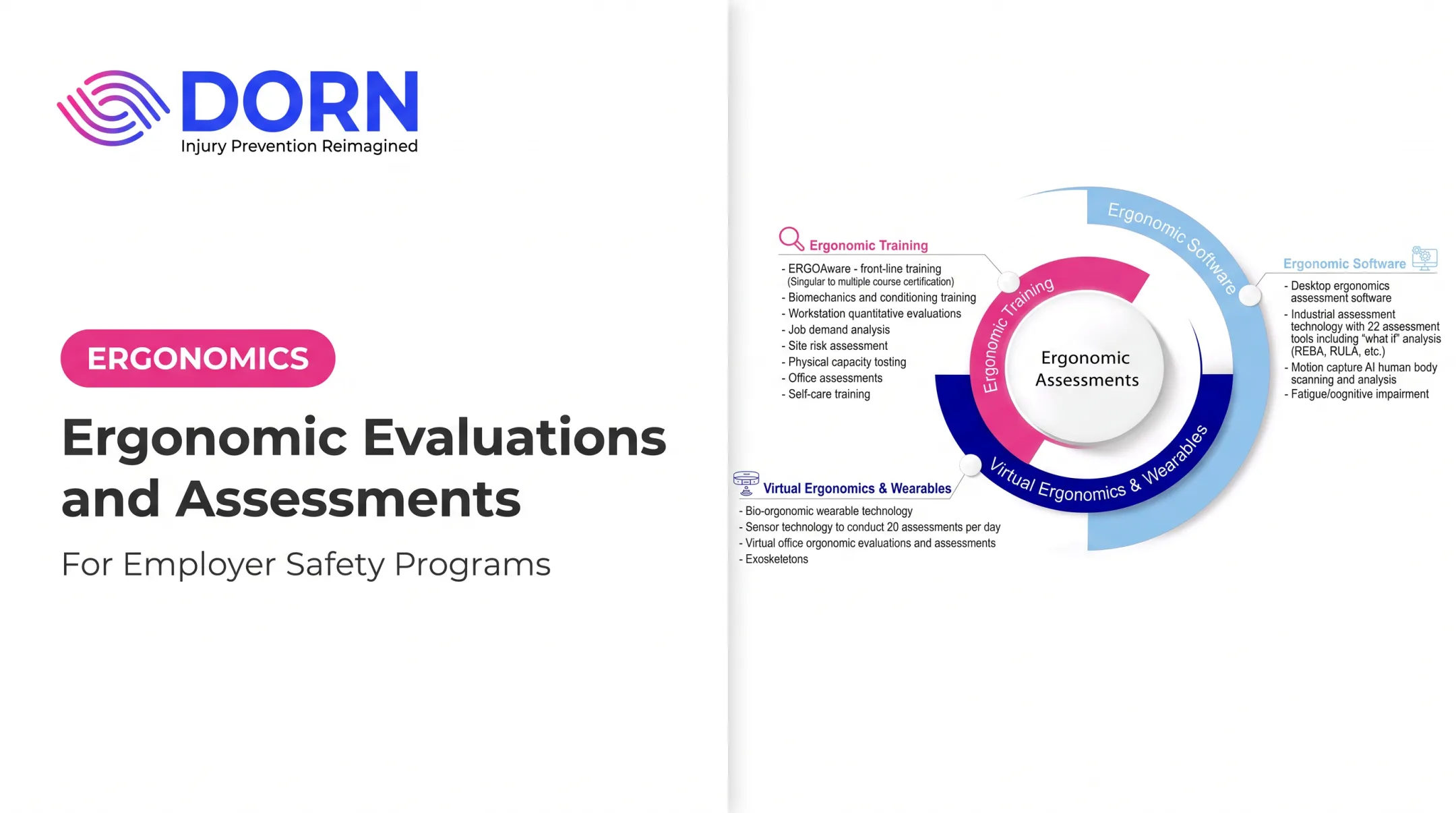
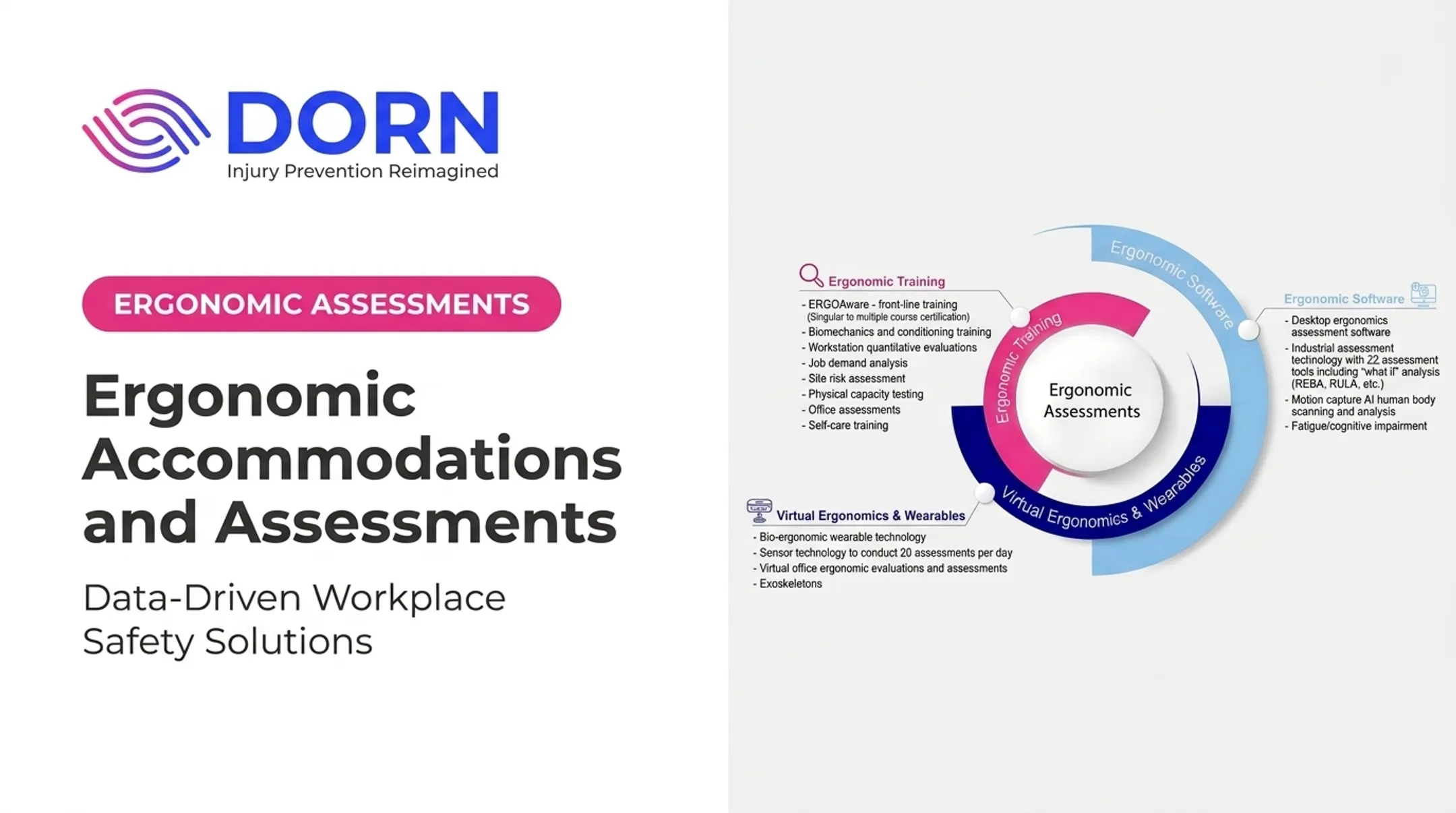
This applies whether you're reviewing a desk in a home office, a packing line in a cold storage facility, or a forklift cab. DORN's ERGOLite service, for example, takes this wide-angle view, evaluating an entire department alongside individual workstations to catch patterns a single-desk review would miss.

Ask the People Doing the Job
Workers know things a walkthrough won't reveal. Ask:
- When discomfort shows up
- Which tasks feel hardest by the end of a shift
- What workarounds they've invented on their own
Frame these as job-design questions, not personal fitness problems.
What a Finished Assessment Should Include
A useful report should document:
- Task reviewed and method used
- Observed hazards and risk findings
- Worker feedback
- Recommended controls with priority level
- Responsible party and follow-up date
Photos, diagrams, and load or dimension measurements strengthen the record, as long as they respect privacy and workplace policy.
How to Conduct a Workplace Ergonomic Assessment
Define Scope and Set Priorities
Decide upfront whether you're assessing one workstation, a full department, or a multi-site program. Use injury data, complaints, and operational knowledge to focus on the highest-concern jobs first.
A single-job check on a new packing station can wrap up in a day. A standardized program across a dozen distribution centers needs consistent tools and reporting so scores translate across locations.
Watch a Full Range of Conditions
One short observation rarely tells the whole story:
- Observe multiple workers, not just one
- Cover different shifts and peak workload periods
- Note required PPE and commonly used tools
- Track fatigue and posture changes across a full shift
A mid-morning glance at a production line misses the slouched shoulders and shortened reach patterns that show up by hour seven.
Gather Worker Feedback
Interviews, short surveys, or discomfort maps reveal symptoms and barriers that observation alone won't catch. Ask what's difficult, where fatigue builds, and why an existing control might be getting ignored.
Keep this distinction clear: a worker describing knee discomfort isn't the same as a medical diagnosis. Route ongoing or worsening symptoms to occupational health rather than treating an interview as a clinical evaluation.
Pick the Right Tool for the Task
Not every job needs the same lens:
| Task type | Common tool |
|---|---|
| Office/desk setup | ROSA (Rapid Office Strain Assessment) |
| Upper-limb, seated or standing tasks | RULA (Rapid Upper Limb Assessment) |
| Whole-body, unpredictable postures | REBA (Rapid Entire Body Assessment) |
| Two-handed manual lifting | NIOSH Lifting Equation |
| Pushing/pulling | Snook Tables |
| Hand-arm vibration | HAV Calculator |
Each tool has a defined scope and limitations. NIOSH recommends a Lifting Index of 1.0 or lower under the Revised Lifting Equation, but that equation only applies to two-handed lifts, not every manual task.
Analyze and Prioritize
Combine the tool's score with force, frequency, duration, worker feedback, injury history, and exposure count. Sort findings into three buckets:
- Urgent: high force or frequency combined with active symptoms
- Near-term: moderate risk with feasible fixes
- Longer-term: lower risk or fixes requiring capital investment
A high score should trigger a closer look, not lock you into one predetermined fix. Once priorities are clear, validate them with the people closest to the work before you lock in recommendations.
Confirm Findings and Report Back
Review conclusions with the workers and supervisors involved before finalizing anything. Annotated photos, task descriptions, and a ranked list of next steps communicate far better than a spreadsheet of raw scores.
For multi-site or higher-complexity programs, Certified Industrial Ergonomic Evaluators and tools such as AI motion capture or job demand analysis can keep methods consistent and findings actionable across locations.

Workplace Ergonomic Risk Factors and Assessment Tools
The Risk Factors Behind Most MSDs
OSHA points to three major contributors: awkward posture, high force, and exposure time. NIOSH's broader model also covers contact stress, vibration, and insufficient recovery.
These show up on the floor in familiar ways:
- Forceful exertion — lifting heavy cartons off a pallet
- Repetition — scanning items on a fast-moving conveyor for a full shift
- Awkward or static posture — reaching overhead to stock shelves
- Duration and recovery — short cycle times with no built-in breaks
- Vibration — operating a jackhammer or vibrating hand tool
- Contact stress — resting a forearm against a sharp equipment edge
- Manual handling — pushing loaded carts across uneven floors
- Environmental conditions — cold-storage picking that stiffens joints and slows reaction time
Neither list is the single official standard. Some frameworks group risk into five factors; others expand further. What matters is that an assessment accounts for the combination, not one isolated number.
Matching Tools to Tasks
Choose the tool that matches the task, not the other way around:
- ROSA — Screens computer workstations; scores chair, monitor, keyboard, and phone setup on a 1–10 scale
- RULA — Surveys upper-limb postures with no special equipment; fits seated assembly or packing
- REBA — Covers whole-body, unpredictable postures common in material handling
- NIOSH Lifting Equation — Calculates a Recommended Weight Limit for two-handed lifts using hand position, frequency, and duration
DORN's certified ergonomists use this toolkit alongside job demand analysis, site risk assessment, and physical capacity testing. That mix compares risk consistently across jobs instead of relying on a single walkthrough.
Read Scores as a Starting Point, Not a Verdict
A score is a snapshot. It reflects the moment observed, filtered through the observer's judgment.
It will not capture fatigue building across an 8-hour shift, production-quota pressure, a worker's years of adapted technique, or shift-to-shift workload swings.
Low back pain alone costs employers over $100 billion annually. Fatigue-related productivity losses run an estimated $1,200 to $3,100 per employee per year.
Figures like these are why scores need context—worker interviews, injury history, and job design review—before anyone signs off on a fix.

Turn Assessment Findings Into Risk Controls and Ongoing Prevention
Work Down the Hierarchy of Controls
NIOSH's preferred order runs from elimination and substitution through engineering controls, administrative controls, and personal protective equipment, applied top to bottom (NIOSH Hierarchy of Controls).
- Adjustable workstations, lift assists, carts, conveyors, or redesigned tools that reduce reach and force
- Job rotation, paced task assignments, built-in recovery periods, and staffing adjustments
- PPE only after higher-level controls—useful, but not a substitute for fixing the underlying exposure
Match the Fix to the Actual Cause
A new chair won't fix a job that requires constant twisting under production pressure. A lifting belt won't fix a pallet placed too low. Before recommending anything, ask what's actually driving the exposure.
- Wrist discomfort at a desk often needs monitor height and keyboard placement fixed—not just a new mouse.
- An operator twisting hundreds of times per shift needs a workstation or process change; reminders alone won't beat that repetition.
- A cart with bad wheels that forces extra push force needs repair, not another training refresher.
Bring Workers Into the Rollout
Show workers how to use and adjust new equipment. Explain why the change happened. Then ask for feedback and fix whatever's making people revert to the old method: a chair that's hard to adjust gets ignored by week two.
Assign Ownership and Track Progress
Every corrective action needs:
- An owner and target date
- A resource estimate and completion status
- A verification method
Track completed controls, risk-score changes, discomfort trends, first-aid patterns, and how consistently workers adopt the new process.
Reassess Under the Same Conditions
Repeat the relevant assessment method after controls go in, and compare the results against the baseline. Schedule another review whenever a process or equipment changes, staffing or production volume shifts, new complaints surface, or a control isn't being used as intended.
Verified controls, recurring assessments, and early reporting keep prevention active alongside medical care and compliance—not instead of them. Partners like DORN Companies build that loop with reassessment, onsite injury-prevention support, and Total Worker Health programs so findings stay fixed in daily work.

When to Use a Professional Ergonomic Assessment Partner
Internal teams can handle plenty of assessments. But some situations call for outside expertise:
- Multiple sites or a large, distributed workforce
- Complex manual-handling tasks with recurring MSD complaints
- Limited internal EHS staff or bandwidth
- A new process or workstation design that needs validation before rollout
- Remote or hybrid employees needing consistent coverage
- A need for standardized scoring across facilities
What to Look For in a Provider
- Assessor qualifications and hands-on experience with your industry
- Familiarity with tools that fit your tasks, such as ROSA, RULA, REBA, or the NIOSH Lifting Equation
- Genuine worker-engagement practices, not just a checklist
- Clear, usable documentation
- Both virtual and onsite delivery options
- Support implementing recommendations, not just delivering a report
DORN Companies has worked in workplace safety and injury prevention for close to 25 years. Certified ergonomists conduct job demand analysis, site risk assessment, and physical capacity testing across manufacturing plants, warehouses, food processing facilities, and offices nationwide.
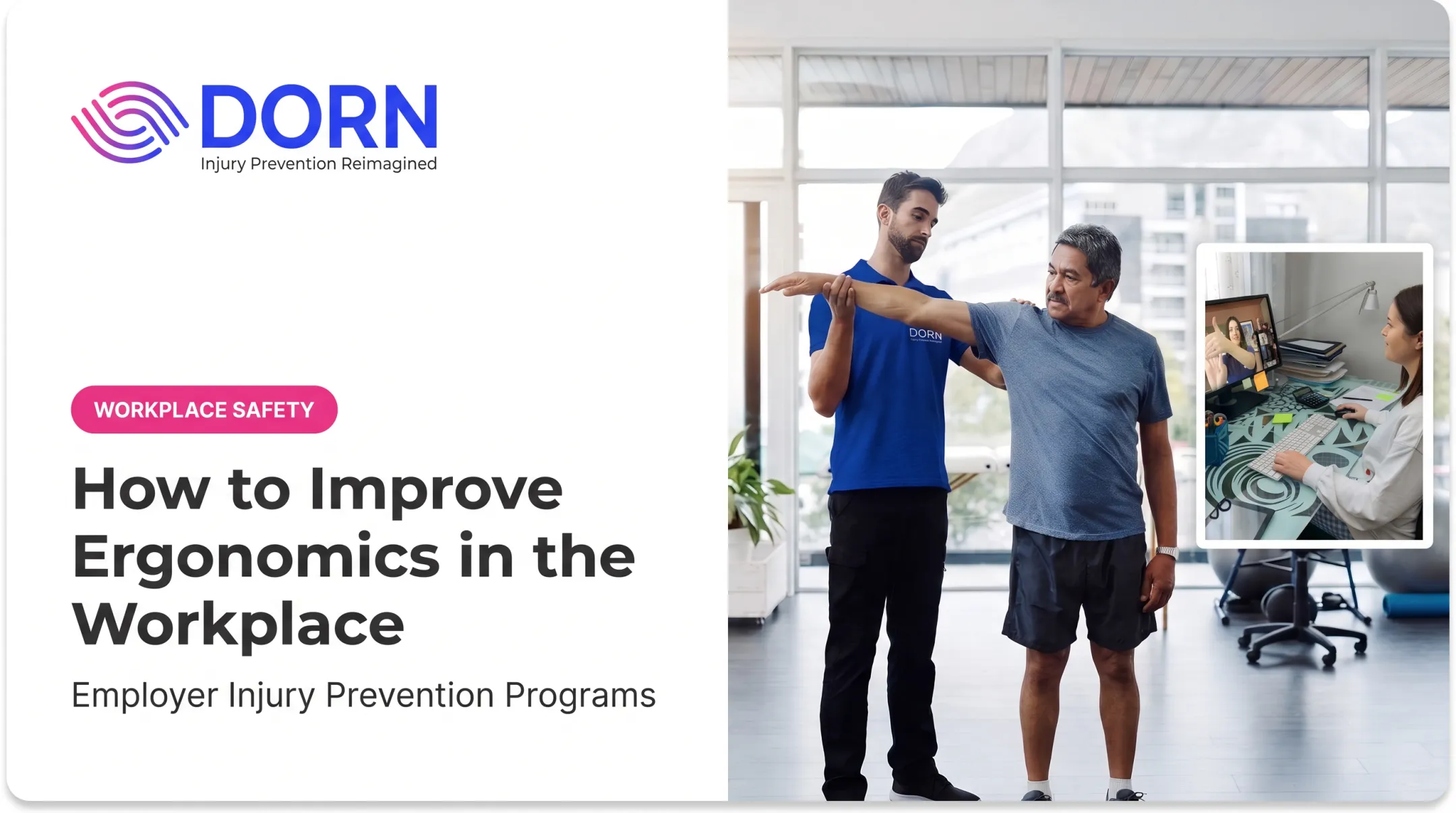
Assessments run onsite or virtually. Live video evaluations for remote workers typically wrap up within 30 to 60 minutes, with a written report to follow.
Short, project-based assessments cover a single workstation or job task without a long-term contract. Broader multi-site programs help enterprises standardize ergonomics across their EHS strategy.
If you're weighing whether to bring in outside support, reach out to DORN to discuss the scope of a specific job, department, or facility.
Frequently Asked Questions
What is included in an ergonomic assessment?
A thorough assessment reviews the task and workstation, gathers employee input, checks existing injury or claims data, applies a risk-factor analysis method, and documents recommended controls with a follow-up plan.
How long does an ergonomic assessment take?
Timing depends on scope. A single workstation review might take 30 minutes to an hour, while a multi-facility program can span days or weeks depending on task count and methods used.
Who is qualified to do an ergonomic assessment?
Look for a trained ergonomics professional with experience in task analysis, risk-factor evaluation, and control selection, such as a Certified Professional Ergonomist or an internal assessor with equivalent hands-on training.
How do I request an ergonomic assessment at work?
Raise the concern with your supervisor, EHS or safety team, or HR department, and describe the specific task, discomfort, and how often it occurs so the assessor knows where to focus.
What are the 5 main ergonomic risk factors?
Most models center on force, repetition, awkward posture, duration or static exertion, and environmental or contact stress, though some frameworks add vibration and recovery time as separate factors.
What does OSHA's ergonomic checklist include?
OSHA doesn't publish one universal mandatory checklist. Instead, it offers sector-specific guidance and tools like the Computer Workstations eTool covering posture, force, repetition, and corrective actions. Always verify current OSHA guidance for your industry.