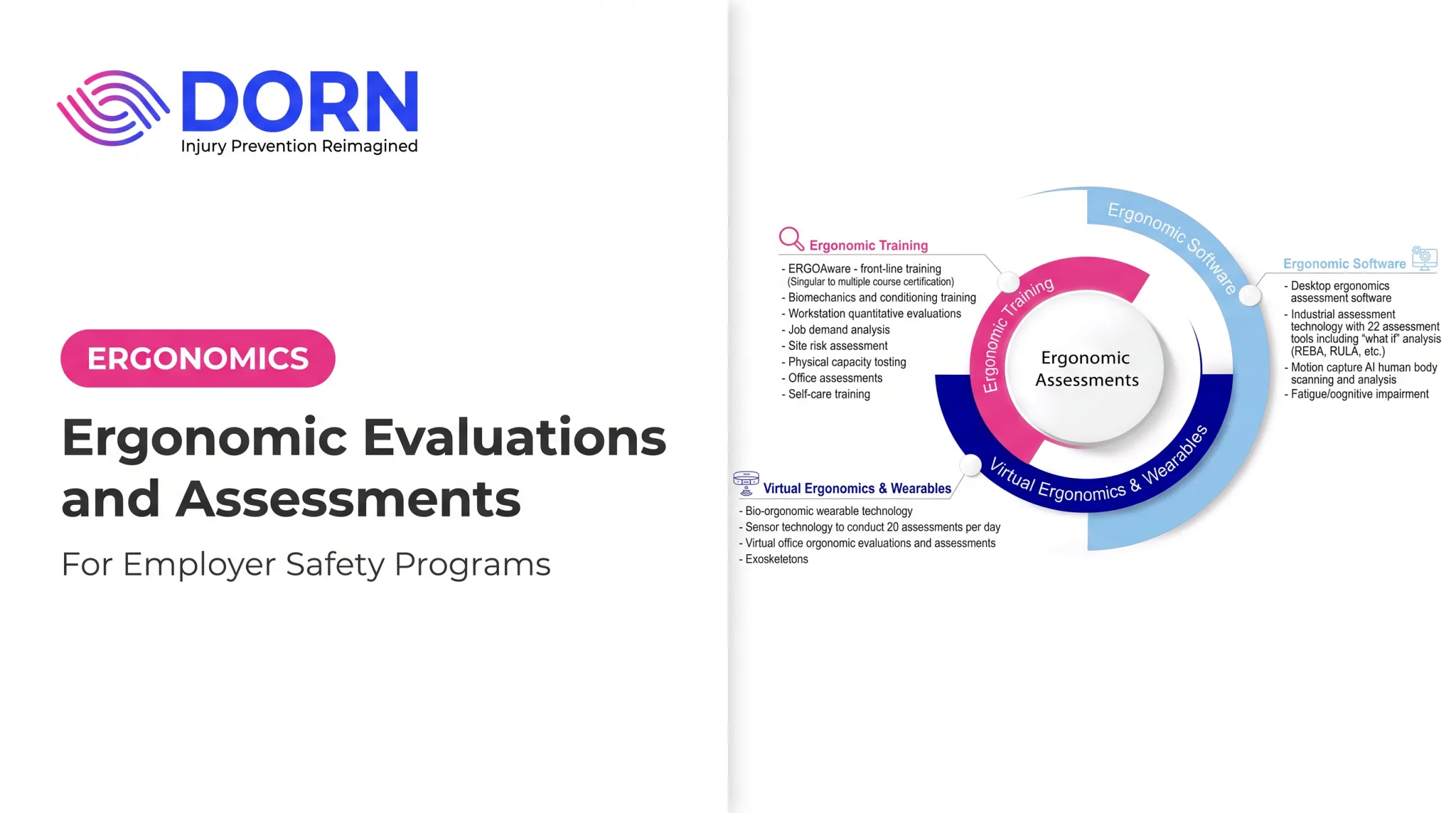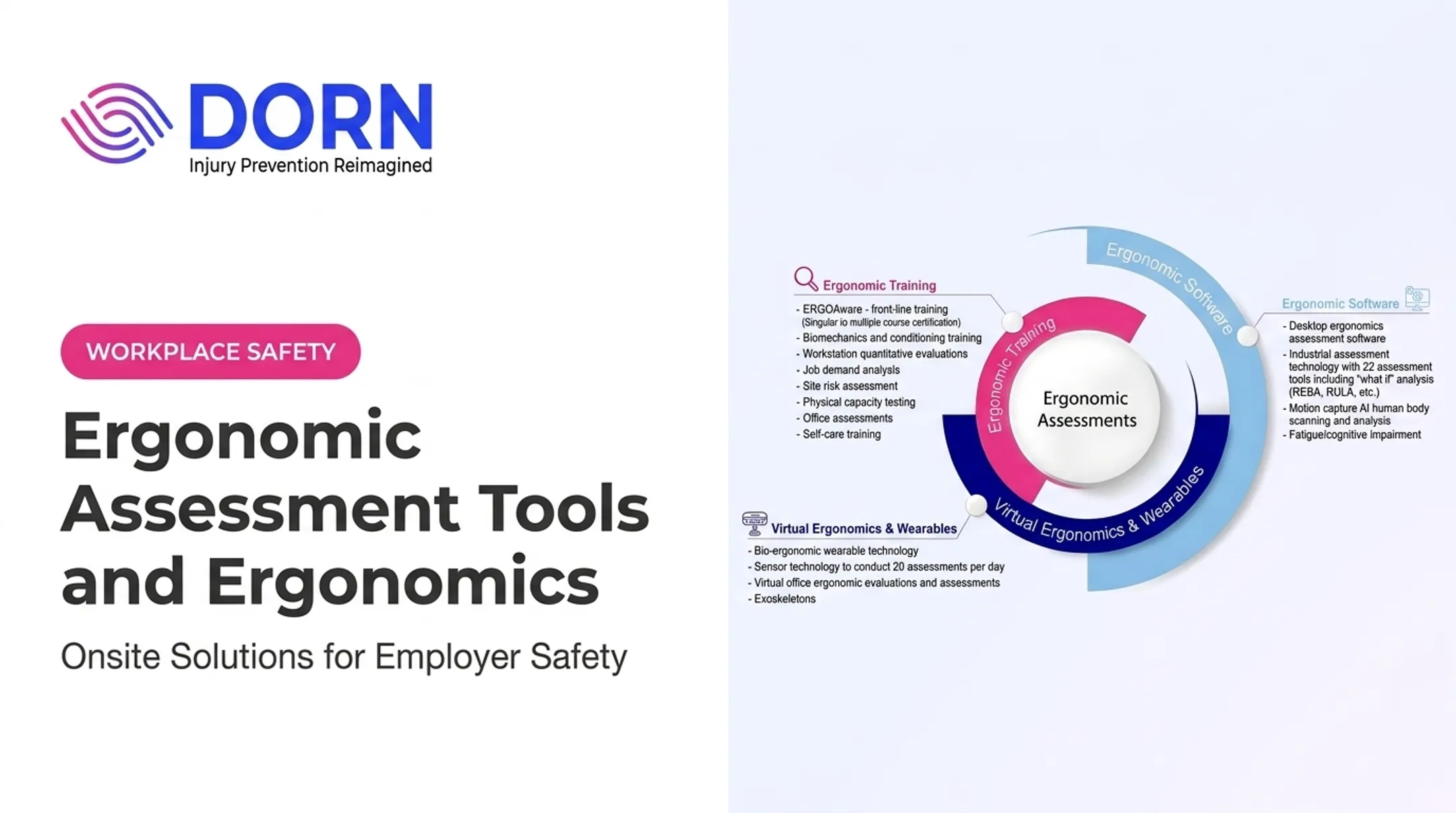

An ergonomic assessment identifies the risks and functional barriers in a job or workstation. An accommodation responds to what one specific employee needs. The two work together, but they aren't the same thing.
This guide covers US workplace practices: how assessments and accommodations connect, ADA considerations, office and industrial examples, and the steps to implement a solution that actually holds up over time.
Key Takeaways
- An assessment evaluates the worker, task, equipment, and environment; an accommodation adjusts one or more of those factors for the individual.
- Match solutions to both the employee's limitations and the job's essential physical demands.
- Equipment alone rarely solves the problem — workflow, training, and scheduling changes often matter more.
- Document, implement, and revisit accommodations regularly to confirm they still work.
Why Ergonomic Accommodations Matter
Repetitive motion, forceful exertion, awkward postures, and prolonged static positions add up. Workers rarely face just one of these risk factors; they often stack two or three at once, which compounds injury risk. The scale of the problem is well documented. In 2018, private industry recorded 272,780 musculoskeletal disorder (MSD) cases, or 30% of all days-away-from-work injuries, according to the Bureau of Labor Statistics. The incidence rate was 27.2 per 10,000 full-time workers, with a median of 12 lost days per case. Poor workplace design alone is estimated to account for roughly 20% of missed workdays.
Proactive vs. Reactive
These are two different approaches:
- Proactive ergonomics assesses an entire job, line, or facility to reduce risk for everyone.
- Reactive accommodation addresses one employee's specific limitation or request. DORN has seen both run side by side. For one client, certified ergonomists completed a department-level ERGOLite review that flagged workstation and layout risks across an entire shift, then built separate accommodation plans for employees returning from injury.
Who Needs Accommodations
Accommodation needs show up across very different settings:
- Office and remote employees dealing with prolonged sitting or poor monitor setup
- Manufacturing and warehouse staff handling repetitive lifting, pushing, and pulling
- Food and beverage processing workers facing cold environments and forceful gripping
- Employees returning to work after an injury or medical event Left unaddressed, these conditions drive lost time, higher workers' compensation costs, and slower return-to-work. Targeted accommodations cut that exposure before small issues become recordable injuries.
Understanding Ergonomic Accommodations and Assessments
An ergonomic accommodation is a change to equipment, workspace, task design, work method, schedule, or technology that helps a qualified employee perform essential job functions.
An ergonomic assessment is a structured review of the worker, job demands, tools, workstation, environment, and work organization. It should produce prioritized findings, not a generic checklist.
Three Related Services, Not One
| Service | Focus |
|---|---|
| Workstation/ergonomic evaluation | Fit between one workspace and its user |
| Job demands analysis | Force, repetition, posture, reach, lifting, duration |
| Accommodation assessment | Connects an employee's functional limitations to viable solutions while protecting medical confidentiality |
DORN's assessments range from quick 30-minute mini-assessments targeting a single workstation to full facility-wide reviews. Some use quantitative tools like photo and video analysis, RULA and REBA posture scoring, or the NIOSH Lifting Equation for lift-heavy tasks. Others lean on qualitative interviews and observation.
The ADA Interactive Process
When an accommodation request comes in, the general process looks like this:
- Understand what the employee is asking for
- Identify the job's essential functions
- Consider effective options
- Communicate with the employee throughout
- Evaluate undue hardship or other legal factors with HR or legal counsel
An ergonomics professional can flag risks and recommend practical fixes, but they don't determine an employee's diagnosis, disability status, or legal eligibility for an accommodation. That determination sits with HR, medical providers, and legal counsel.

How to Conduct an Ergonomic Assessment
A good assessment starts with scope, not a stopwatch. Is this triggered by discomfort, an accommodation request, an injury trend, a new workstation, or a broader prevention push? The answer shapes everything that follows.
Gather Information First
Talk to the employee and relevant stakeholders about:
- Symptoms or functional limitations (without collecting unnecessary medical detail)
- Work tasks, equipment, and schedule
- Pain triggers and near misses
- Previous interventions that were tried
Observe the Job as It's Actually Done
Watch the work in real conditions, not a simulation. Capture what actually drives risk on the job:
- Posture, repetition, and force
- Reach distance, lift height, and grip
- Contact stress, lighting, and work pace
- Workstation adjustability
DORN's ergonomics specialists use this approach in very different settings, from ramp agents lifting freight onto conveyor belts to customer service reps at fixed desks in airport terminals.
Apply the Hierarchy of Controls
Recommendations should follow a clear priority order, from most to least effective:
- Elimination — remove the hazard entirely
- Substitution — replace the risky task or tool
- Engineering controls — redesign the workstation or equipment
- Administrative controls — job rotation, scheduling, training
- Personal protective equipment — the last line of defense, not the first
DORN's certified evaluators typically rank identified risks by score, then build short-term and long-term mitigation plans against that ranking. Recommendations stay tied to what the site can actually implement.
That means a Body, Behavior, and Environment view, not an equipment-only fix.

Common Ergonomic Accommodation Examples by Work Environment
The same symptom doesn't always call for the same fix. Height, reach, strength, job design, and employee preference all shape the final recommendation.
Office and Remote Work
- Adjustable seating and lumbar support
- Monitor positioning and laptop risers
- External keyboards, mice, or alternative input devices
- Footrests and sit-stand options
- Voice recognition software and display settings
DORN's desktop self-assessment tool, HealthyWorking, lets remote employees adjust seat height and monitor position themselves. In one engagement, DORN's team completed 47 office ergonomic assessments in two days and used live virtual evaluations to reach remote staff within 48 hours.
Manufacturing, Warehouse, and Distribution
- Adjustable-height workstations and lift tables
- Conveyor or layout changes
- Material-handling aids and tool redesign
- Task rotation and modified work methods
A three-month AI-supported motion capture evaluation at one facility led to adjustable-height workstations, reduced task repetition, and repositioned materials. Those changes came from measured reach height, shoulder elevation, and elbow flexion data, not guesswork.
Food and Beverage Processing
Repetitive cutting, standing on hard surfaces, cold environments, and forceful gripping create a distinct risk profile. Solutions must meet production, hygiene, and safety requirements at the same time. A tool swap that slows the line or fails sanitation standards isn't a real fix, no matter how sound it looks on paper.
Typical accommodations include:
- Anti-fatigue matting rated for wet or cold floors
- Knife and grip redesigns that cut force without slowing the line
- Height-matched packing stations and adjustable stands
- Task rotation across cutting, packing, and inspection roles
Beyond Equipment
Non-equipment accommodations matter just as much:
- Modified schedules or added recovery time
- Temporary task changes or reassigned nonessential duties
- Altered training methods
- Hybrid or remote arrangements where feasible
Choosing, Implementing, and Following Up on an Accommodation
Comparing options means weighing more than the first product in a catalog. Score each choice on effectiveness, employee input, compatibility with essential job functions, safety, feasibility, cost, and durability.
Selection factors to weigh:
- Effectiveness for the specific limitation
- Employee input and day-to-day usability
- Compatibility with essential job functions
- Safety, feasibility, cost, and durability
Implementation Steps
- Assign ownership for the accommodation
- Purchase or modify equipment
- Configure the workstation to the individual
- Train the employee and their supervisor
- Communicate any work-practice changes
- Document the decision and completion date
Equipment that is never fitted properly does nothing. After install and training, confirm the solution works in real use—not only that it arrived.
Follow-up questions should cover comfort, task performance, symptom changes, and whether the employee can use the solution day to day.
Measuring Whether It's Working
Track both leading and lagging indicators over time:
- Leading: assessment completion, response time, implementation status, training participation
- Lagging: discomfort reports, injury trends, restricted-duty cases, workers' comp claims, absenteeism
Establish a baseline before drawing conclusions. With consistent measurement, clients working with DORN's certified ergonomists have recorded a 67% reduction in total ergonomic risk and a 60% reduction in upper-extremity risk, and 98% of employees reported less difficulty completing their work afterward.
Results like these come from ongoing tracking, not a one-time snapshot.
Schedule follow-up after implementation, and again whenever the employee's condition, job, or workstation changes.
NIOSH's cost-benefit example shows the value of that data: $30,000 in avoided sprain-claim costs, $25,185 in annual productivity savings, and about a 7.3-month payback on a $53,800 equipment investment. That is how you confirm an accommodation is paying for itself.

Compliance and Program Considerations for US Employers
The ADA may require reasonable accommodations for qualified individuals with disabilities unless doing so creates undue hardship. Eligibility depends on the specific facts, employer coverage, and essential job functions. There's no blanket rule that applies to every request the same way.
Undue hardship means significant difficulty or expense, evaluated against the resources and circumstances of the specific employer—not a fixed dollar threshold, according to EEOC enforcement guidance.
Key compliance notes:
- OSHA has no single ergonomics standard for every industry. The General Duty Clause still requires employers to address recognized serious hazards, and states such as California and Washington add their own rules.
- Document consistently: limit medical information to people with a legitimate business need, and record requests, evaluations, decisions, and follow-up.
- Workers' compensation, return-to-work, and ADA accommodation processes overlap but aren't interchangeable. Coordinate HR, EHS, supervisors, and medical providers so these processes don't work against each other.
Always verify current guidance directly with EEOC, ADA.gov, OSHA, and applicable state agencies before finalizing a policy.
Turn Assessment Findings Into Practical Support
The strongest accommodations share a few traits:
- Individualized to the employee
- Tied to the actual job and workstation
- Implemented promptly
- Reviewed after installation
A generic fix applied to everyone with similar symptoms usually underperforms one built around that person's real work demands.
Start by reviewing your current accommodation process and identifying which tasks carry the highest risk. If internal resources are stretched thin or operations span multiple sites, bring in a qualified ergonomics partner that can move from assessment to sustained prevention. That path is often faster than trying to close every gap in-house.
Frequently Asked Questions
What is ergonomic accommodation?
An ergonomic accommodation is a workplace adjustment to equipment, tasks, schedules, technology, or the environment that helps a qualified employee perform essential job duties safely.
What are some examples of ergonomic accommodations?
Common examples include adjustable workstations, alternative input devices, material-handling aids, modified work methods, assistive technology, and schedule or task changes in office, remote, and industrial settings.
What are the four types of accommodations?
There is no single universally mandated four-type classification. A practical framework includes equipment or workspace changes, task or workflow changes, schedule or work-location changes, and assistive technology or communication support.
How is an ergonomic assessment conducted?
It usually starts with intake and scope, employee discussion, and job observation. Assessors then analyze risk using the hierarchy of controls, prioritize recommendations, support implementation, and schedule follow-up.
Are ergonomic accommodations required under the ADA?
The ADA may require reasonable accommodations for qualified individuals with disabilities unless undue hardship applies. The specific obligation depends on the facts and should be reviewed with HR or legal counsel.