
Introduction
Workplace ergonomics is the practice of designing tasks, tools, workspaces, and systems around how people actually move, lift, reach, and sit for eight or more hours a day—not just adding a fancy chair or a wrist rest.
Get it wrong, and the costs show up fast. For the 2023-2024 period, private industry recorded 946,290 DART cases tied to overexertion, repetitive motion, and bodily conditions, according to the Bureau of Labor Statistics.
That equals a rate of 44.7 per 10,000 full-time workers, with a median of 24 days away from work or on restricted duty. Discomfort turns into lost shifts, higher workers' comp exposure, and strained teams.
This guide covers what ergonomics actually means, why it matters operationally, how to spot and fix hazards, the core design principles behind good ergonomic decisions, and how to build a program that holds up across office, remote, manufacturing, warehouse, and processing environments.
Key Takeaways
- Ergonomics fits the job to the worker to cut strain before injuries occur
- Effective programs cover the full interaction of worker, task, tools, and environment
- Blend workstation design changes with employee input, training, and follow-up
- Prioritize fixes using injury data, employee feedback, and assessment findings
- Treat ergonomics as ongoing—reassess regularly, not as a one-time inspection
What Ergonomics Means in the Workplace
The Occupational Safety and Health Administration defines ergonomics: it's the study of fitting workplace conditions to the working population. The National Institute for Occupational Safety and Health (NIOSH) frames it as designing tasks and job demands around human capabilities, with the goal of preventing work-related musculoskeletal disorders.
That definition covers more ground than most people assume. It's not only about desks and monitors.
It Applies to Every Type of Work
Ergonomics matters whether someone is:
- Typing at a computer for six hours straight
- Lifting pallets on a warehouse floor
- Standing at a production line doing the same motion every 12 seconds
- Pushing or pulling carts through a distribution center
- Driving a delivery route
- Working from a kitchen table at home
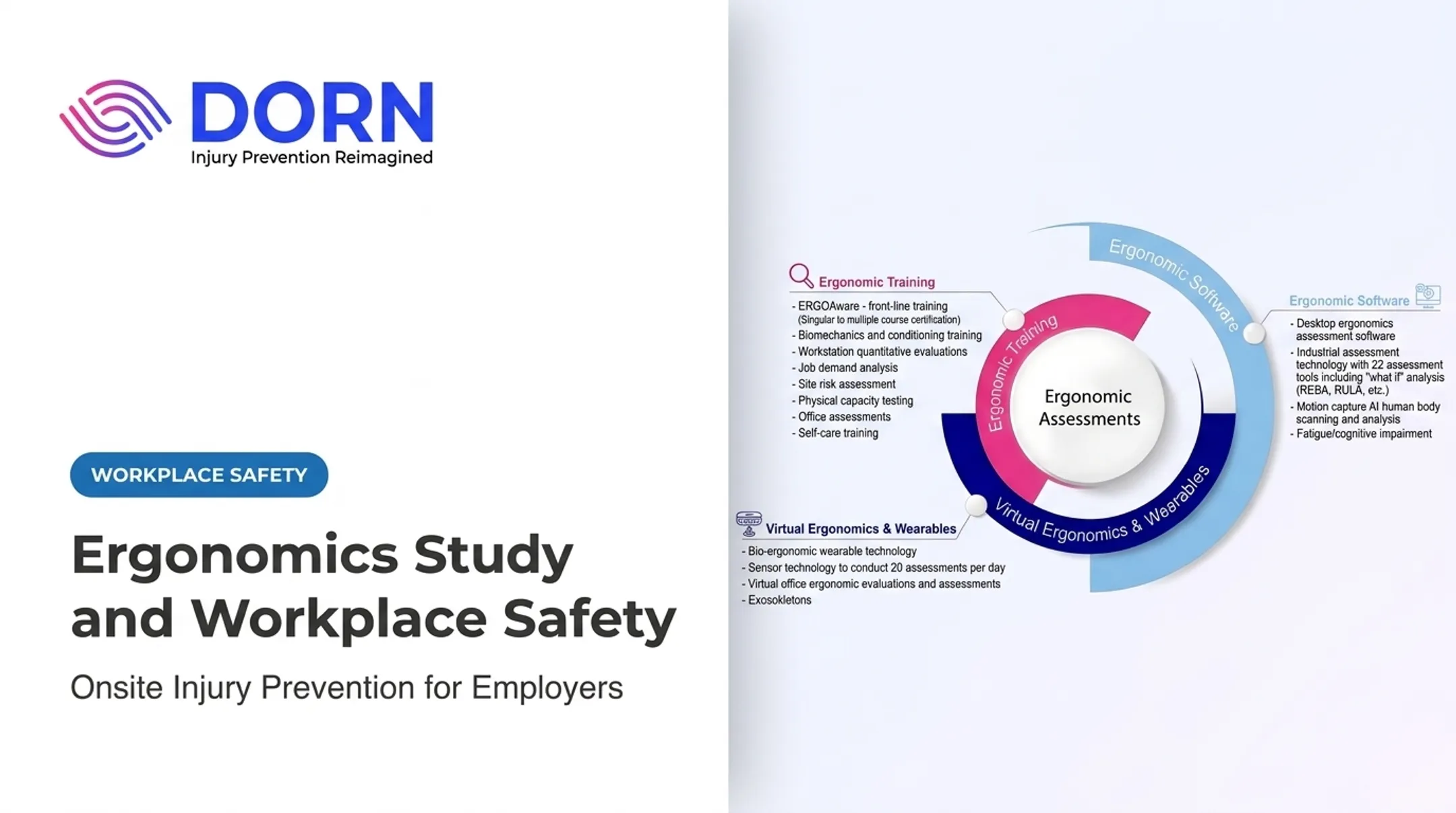
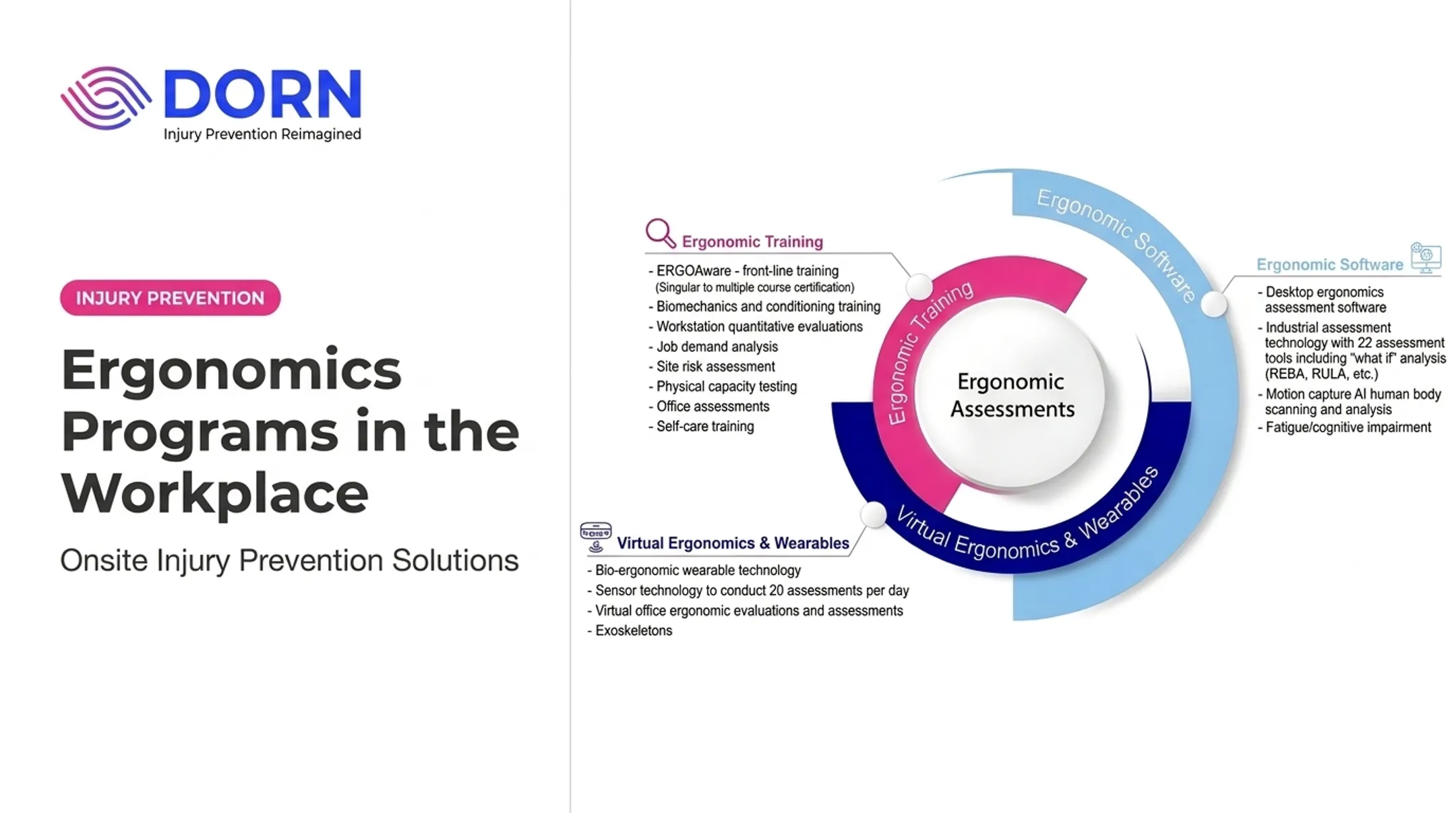
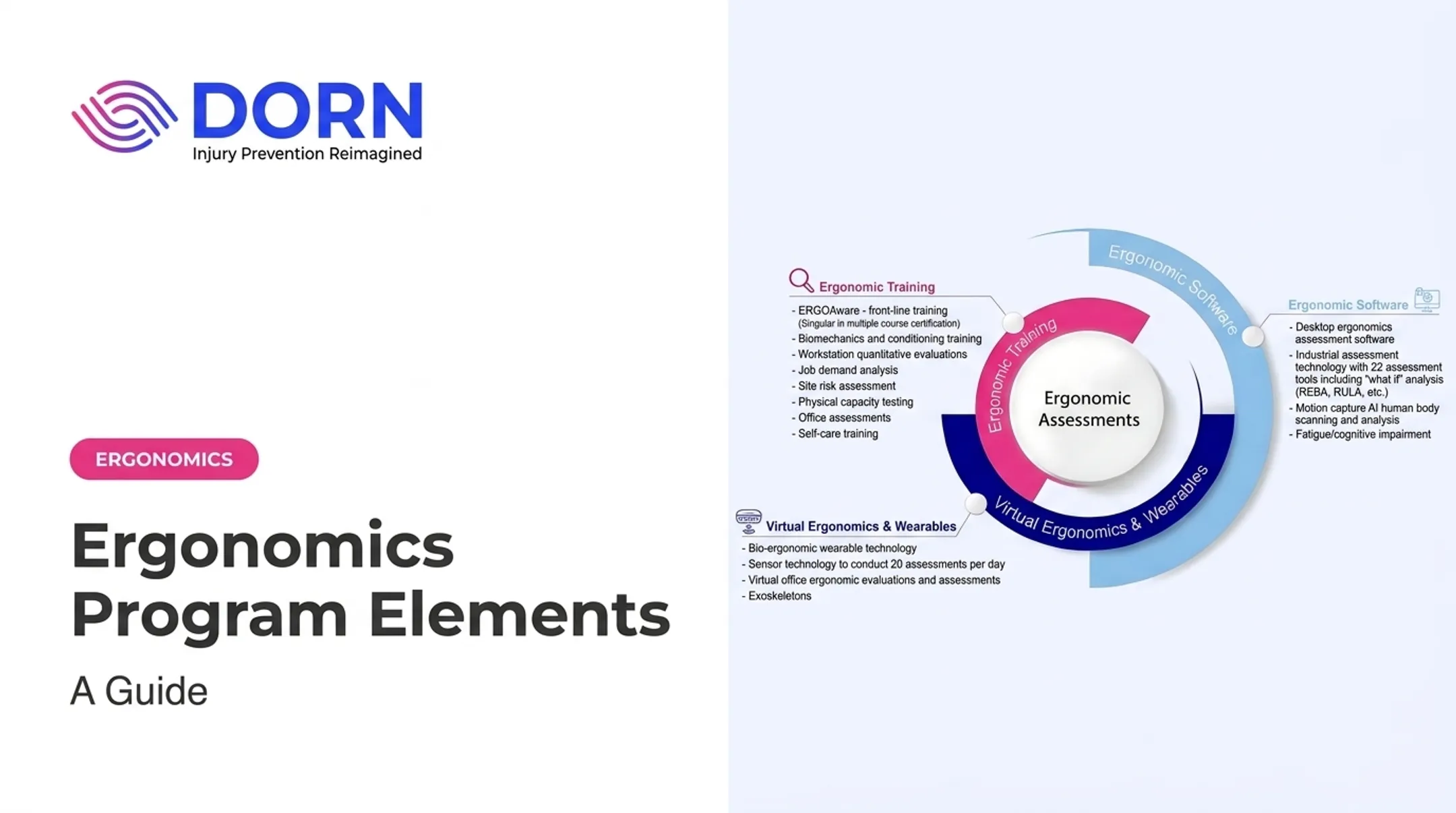
DORN's ergonomic programs analyze physical and cognitive workload, environmental conditions, and movement patterns across this full range of settings. The assessments rely on data, not guesswork, to pinpoint where strain actually occurs.
Comfort Isn't the Same as Ergonomics
Comfort is a feeling. You sit down, and the chair feels fine, at least for the first hour. Ergonomics asks a different question: does this setup support safe, sustainable performance over an entire shift, month after month?
A chair can feel comfortable and still contribute to poor posture over time. Good ergonomic design reduces unnecessary strain, whether or not it feels immediately noticeable.
Why Workplace Ergonomics Matters
Ergonomic risk factors are directly linked to musculoskeletal disorders. NIOSH identifies three major contributors:
- Awkward posture
- High force
- Prolonged exposure time
Repetitive strain injuries such as tendinitis, epicondylitis, and carpal tunnel syndrome stem from these same factors.
Low back pain alone costs employers over $100 billion each year. Heavy lifting remains one of the most common overexertion triggers behind that figure.

The Operational Case Is Just as Strong
Beyond the human cost, poor ergonomics hits productivity, attendance, and claims costs. Clients using DORN's customizable ergonomic services have reported:
- A 59% increase in productivity
- 40% lower absenteeism
- 60% lower workers' compensation costs
- A 600% average ROI
Those aren't universal guarantees, but they reflect a real pattern: fixing the job before it hurts someone tends to pay for itself.
Waiting for an Injury Is the Expensive Option
Pain and discomfort often build for months before they become a recordable injury or workers' comp claim. A 2016 US Department of Labor study found that up to 30% of back injuries leading to potentially unnecessary surgery could be prevented through better workplace design.
Early symptom reporting changes the trajectory. When supervisors are trained to notice discomfort signals and act on them, minor issues get corrected through job redesign, not through a claims process.
How to Identify and Correct Ergonomic Hazards
Fixing ergonomic problems starts with a structured look at the work itself, not assumptions about what "should" be a problem.
Start With a Real Assessment
A solid ergonomic assessment includes:
- Reviewing injury and discomfort data to spot patterns by department, task, or shift
- Interviewing employees about fatigue, pain, and what they'd change about the job
- Observing tasks during normal production, not a staged demonstration
- Documenting force, repetition, and posture with notes, photos, or video
- Comparing job demands against worker capabilities to flag mismatches before they drive injury DORN's certified ergonomists combine quantitative and qualitative evaluation methods, including job demand analysis and physical capacity testing, to build this picture before recommending anything.

Know the Hazard Categories
The main ergonomic risk factors to watch for include:
- Awkward or static postures held for extended periods
- Excessive force during lifting, pushing, or pulling
- High repetition with short work cycles
- Prolonged reaching or overhead work
- Contact stress from tool edges or hard surfaces
- Temperature exposure in cold storage or outdoor work
- General fatigue from insufficient recovery time
Office and Remote Work Examples
Common issues include:
- Monitor height mismatched to eye level
- Keyboards positioned too far forward
- Non-adjustable chairs
- Laptop use without an external monitor
- Sitting for hours without a posture change DORN's workstation guidance places the primary monitor directly in front of the worker, with a secondary monitor angled to the side rather than fully turned away.
Industrial and Warehouse Examples
In manufacturing, warehousing, and processing environments, watch for:
- Heavy or unstable loads
- Above-shoulder reaching
- Twisting instead of stepping
- Repetitive line work under production pressure In one evaluation across large-scale facilities, DORN found that pallet positioners were used incorrectly or not at all in over 50% of cases, a gap that directly increases back-strain risk during material handling.
Fix It in the Right Order
The CDC's hierarchy of controls prioritizes solutions this way, from most to least effective: elimination, substitution, engineering controls, administrative controls, and personal protective equipment. In practice, that means:
- Redesign the workstation or process first
- Add mechanical aids or adjustable equipment
- Change material flow or storage height
- Adjust staffing or task rotation
- Train workers on the new setup
- Monitor whether the change actually reduced risk
Workplace Ergonomic Principles and Examples
Strong ergonomic design applies a few repeatable principles across tools, tasks, and layouts.
Core Design Principles
- Hold joints in a neutral, relaxed position—avoid twist and end-range extension
- Cut required force with lighter-grip tools and powered assists
- Keep loads in the power zone: above the knees and below the shoulders
- Step the feet to turn instead of rotating the spine
- Set work surfaces near elbow height, not above the shoulders or below the waist
Movement Beats Static Positioning
Holding one posture—seated or standing—for hours creates its own strain. Build movement into the shift:
- Alternate sitting and standing when the job allows
- Rotate tasks to vary muscle groups
- Take short recovery breaks about every 30 minutes
Material Handling Basics
- Use carts, lift tables, or turntables instead of manual carrying
- Keep pallet heights capped around 50 inches
- Store heavy items between hip and chest height
- Avoid one-handed carrying when a two-handed or mechanical option exists
Five Real-World Examples
The same principles show up on the floor once teams pair a clear risk with a practical fix:
| Risk | Intervention | Outcome |
|---|---|---|
| Static, forward-flexed posture at a machine station | Workstation redesign plus job rotation | Reduced pain, positive employee feedback |
| Manual pallet lifting causing back strain | Adjustable lift table introduced | Loads kept at waist height, twisting reduced |
| Overhead shelving forcing repeated reaching | Shelving redesigned to accessible height range | Reduced shoulder strain |
| Tool with poor grip causing hand fatigue | Redesigned handle with better grip surface | Lower contact stress, reduced fatigue |
| Non-adjustable desks across 1,250 workstations | Adjustable furniture and ergonomics training | 64% drop in identified risk factors (Dow Chemical case study) |
How to Build an Effective Workplace Ergonomics Program
A one-time assessment fixes a moment in time. A program keeps working after the consultant leaves.
The Core Steps
- Get leadership buy-in — commitment from executives down to front-line supervisors
- Assign clear responsibility for ergonomics, not a vague shared duty
- Involve employees early, since they know the job better than anyone
- Identify priority jobs using injury history and discomfort reports
- Conduct assessments on those priority tasks first
- Implement controls following the hierarchy above
- Train workers on any new equipment or process
- Schedule follow-up reviews to confirm the fix actually worked

Prioritizing What Gets Fixed First
A practical approach ranks jobs by:
- How many workers are exposed to the risk
- How often injuries or discomfort reports occur
- How disruptive the task is to daily operations
- How feasible the fix is to implement quickly
A task affecting 40 workers with three recent claims outranks one affecting two workers with zero reported issues, even if the second task looks more physically demanding on paper.
Let Employees Shape the Program
Programs work better when workers can:
- Report discomfort without fear of blame
- Give feedback on specific job tasks
- Test proposed changes before full rollout
- Talk through concerns directly with supervisors
What to Track Over Time
- Number of assessments completed and corrective actions closed
- Training participation rates
- Reported discomfort and near misses
- Injury trends and absenteeism
- Workers' compensation costs and productivity indicators
NIOSH recommends checking in with workers about one week and one month after any change, confirming the fix reduced risk without creating a new one.
If internal bandwidth is limited, organizations launching a program or scaling one across multiple sites can bring in DORN Companies for ergonomic assessments and injury-prevention support. DORN evaluates Body, Behavior, and Environment together, with onsite or virtual delivery based on what each location needs.
Reassess When Things Change
New equipment, a staffing shift, a facility move, or updated technology can all introduce new ergonomic risk. Treat ergonomics as an ongoing improvement cycle, not a box checked once a year.
Frequently Asked Questions
What is an ergonomic workplace?
An ergonomic workplace is designed around employees' physical and cognitive needs, with tools, tasks, and workflows that fit the worker rather than forcing workers to adapt. It includes opportunities for movement and adjustment throughout the day.
What are five examples of ergonomics in the workplace?
Mechanical lifting aids, redesigned tool grips, improved shelving heights, task rotation schedules, and adjustable workstations all count as ergonomic interventions. Each targets a specific physical strain point.
What are examples of ergonomic design?
Ergonomic design includes adjustable equipment, neutral work heights, accessible controls, supportive seating, low-force tools, and layouts that minimize reaching and twisting. The goal is reducing physical demand without slowing the task down.
What are the 5 principles of ergonomics?
Common groupings include neutral posture, reduced force, work kept close to the body, varied movement, and designing the task to fit the worker. Authorities group these differently, so treat this as a practical list rather than a fixed standard.
Does ergonomic mean comfortable?
Comfort can be one result of good ergonomics, but it's not the goal itself. Ergonomics also evaluates safety, efficiency, fatigue reduction, and whether a design supports performance over a full shift.
What is the meaning of ergonomic?
"Ergonomic" describes something designed to fit human capabilities and limitations, whether that's a tool, task, or workspace. In practice, it means the equipment adapts to the worker, not the reverse.