
Many employers still treat ergonomics as an office perk: a nicer chair here, a posture poster there. But the risks facing a warehouse picker, a food-processing line worker, and a remote customer service rep look nothing alike. A single "sit up straight" memo won't fix any of them.
This article breaks down what ergonomic wellness actually means, why it matters to both employees and the bottom line, and how employers build a program around assessment, education, intervention, and measurement — not guesswork.
Key Takeaways
- Ergonomic wellness covers the full relationship between people, tasks, tools, and environment, not just furniture.
- Strong programs blend individual habits with employer-led risk assessment, engineering controls, training, and follow-up.
- Office fixes and warehouse fixes are rarely interchangeable; solutions must match the actual work.
- Track leading indicators (participation, corrective actions) and lagging ones (injuries, absenteeism) before claiming results.
What Is Ergonomic Wellness?
Ergonomics means designing work around human capability instead of forcing people to adapt to poorly designed tasks, tools, or spaces. OSHA describes it as "fitting a job to a person," linking that fit to less muscle fatigue and fewer, less severe musculoskeletal disorders.
Ergonomic wellness applies that same principle continuously — not as a one-time fix, but as an ongoing effort to reduce avoidable strain, awkward postures, repetitive motion, excess force, vibration, contact stress, and prolonged static positions before they turn into injuries.
The Body, Behavior, and Environment Framework
A useful way to think about this is through three interconnected factors:
- Body – physical capacity, mobility, fatigue, and differences in strength, height, or injury history
- Behavior – work techniques, movement habits, task variation, and how people report discomfort and use controls
- Environment – workstation design, tools, workflow, lighting, temperature, and layout
DORN Companies applies this Body, Behavior, and Environment model in practice, combining hands-on therapy and coaching with site risk assessments and technology monitoring so no single factor is treated in isolation.
When any one of those factors is ignored, even well-intentioned fixes fall short.
What a Real Ergonomic Wellness Program Includes
An adjustable chair or a reminder to "watch your posture" is only one piece of the puzzle. Effective programs connect equipment, task design, training, leadership buy-in, and employee feedback. A well-fitted chair still causes neck strain if the monitor sits too high or too far away.
Ergonomic wellness should be preventive, not reactive. That includes:
- Identifying risk before an injury occurs
- Responding quickly to early discomfort reports
- Reassessing when equipment, staffing, or production volume changes
Pain is not a personal failure. It is usually a signal that a task or workstation needs adjustment.
How Ergonomic Wellness Benefits Employees and Employers
Well-designed ergonomic environments give employees:
- Reduced physical strain and fewer awkward or repetitive movements
- Greater comfort and ability to sustain a full shift without fatigue buildup
- Earlier, more comfortable reporting of discomfort before it worsens
- Safer performance of physically demanding tasks with less cumulative wear
These individual gains show up in organizational data too. Recent BLS figures illustrate how much risk varies by industry — total recordable and DART (days away, restricted, or transferred) rates per 100 full-time workers in 2024 ranged widely:
| Industry | Total Recordable Rate | DART Rate |
|---|---|---|
| Professional & business services | 1.0 | 0.5 |
| Manufacturing | 2.7 | 1.7 |
| Food manufacturing | 3.3 | 2.3 |
| Warehousing & storage | 4.8 | 4.1 |

OSHA's ergonomics guidance ties proactive ergonomics to less muscle fatigue and fewer, less severe musculoskeletal disorders. Those outcomes map directly to workers' compensation exposure, restricted duty, and OSHA recordables — even if the dollar impact differs by workplace.
Productivity gains follow the same logic, without asking people to work through pain. Cutting unnecessary reaching, repetitive lifting, and workflow friction supports quality and output while protecting recovery time — not instead of it.
Fit is not one-size-fits-all. Body size, physical capability, job tenure, pregnancy, temporary restrictions, and shift schedules all change what works for a given employee. A setup built for an average-sized adult male can leave a large share of the workforce underserved and still exposed to avoidable strain.
Not every fix requires a big budget. Low- and no-cost changes often move the needle first:
- Rotate tasks to limit repetitive load
- Reposition a tool a few inches closer to the work
- Adjust work-table height to the person and the task
- Retrain lifting and material-handling technique
When risks are widespread, severe, or resistant to simple fixes, professional ergonomic assessment and targeted equipment or early-intervention support become the practical next step.
How to Build an Effective Workplace Ergonomic Wellness Program
A credible program starts with data, not assumptions.
Start With a Baseline Assessment
Review injury and discomfort trends, workers' compensation data, absenteeism patterns, near misses, and employee feedback. Confidential, non-punitive reporting channels matter — workers won't flag early discomfort if they fear blame.
Prioritize Risks Consistently
Evaluate exposures using a repeatable method:
- Force, repetition, awkward or static posture
- Lifting, pushing, pulling, and vibration
- Environmental conditions and work pace
- Number of workers exposed and feasibility of fixing each risk
Rank findings by severity and frequency, then separate immediate hazards from longer-term redesign opportunities.
Follow the Hierarchy of Controls
Apply controls in order of effectiveness, and start at the top whenever feasible:
- Engineering controls: workstation redesign, better tools, adjusted material flow
- Administrative controls: job rotation, scheduling, and work-rest patterns
- PPE and reminders: last line of defense, not the primary fix
Build in Employee Participation
Workers performing a task daily often spot risks that observation alone misses. Use:
- Listening sessions and discomfort surveys
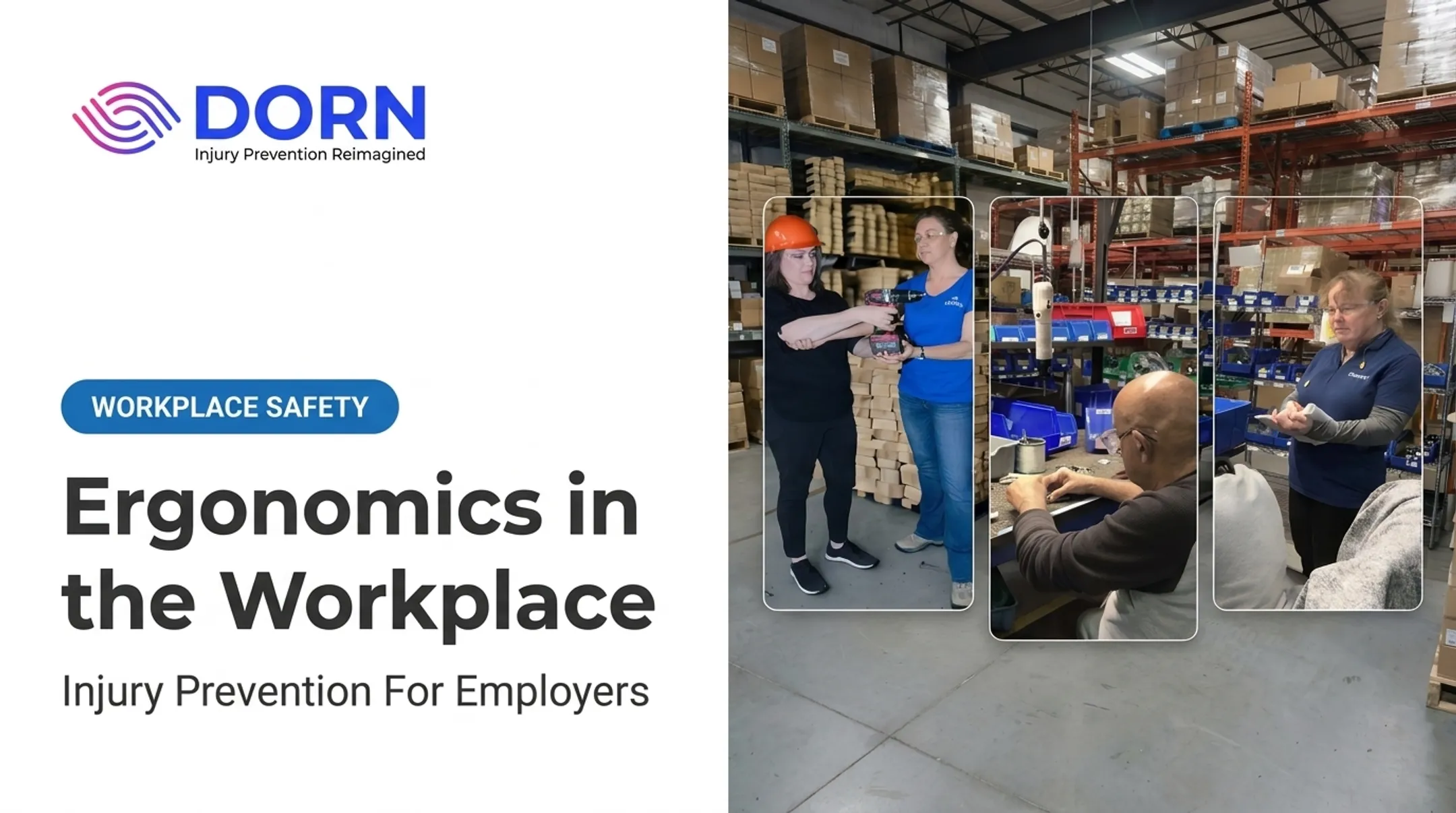
- Task demonstrations with the actual employees involved
- Safety committees and peer champions
- Post-intervention feedback loops
Provide Role-Specific Training
Generic safety videos don't cut it. Tailor training to the actual job, not a stock example, and cover:
- Safe material handling and neutral positioning
- Micro-breaks and fatigue awareness
- How to request an ergonomic evaluation
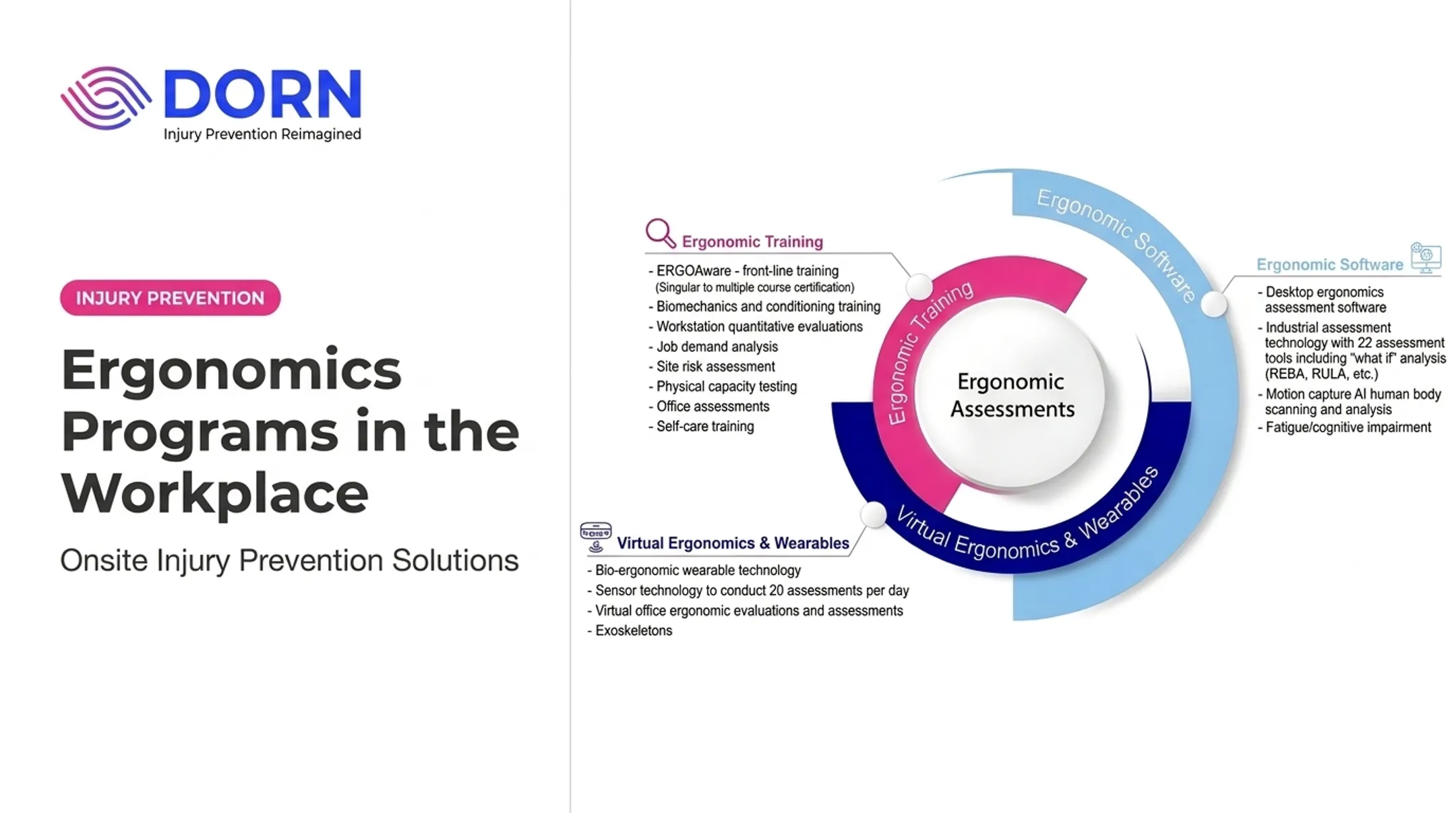
If you lack in-house ergonomic capacity, a specialized partner can fill the gap. DORN Companies provides certified Industrial Ergonomic Evaluators who run onsite or virtual assessments, deliver curbside coaching, and combine manual therapy with technology-supported monitoring. That mix helps employers add dedicated expertise without building a full internal team from scratch.
Verify Results and Revisit
Close the loop after every change:
- Confirm the fix is actually being used as designed
- Check whether discomfort or exposure improved
- Revisit the solution when production, tools, or staffing shift

Practical Ergonomic Guidance by Work Setting
Office ergonomics and warehouse ergonomics solve different problems.
Office, Hybrid, and Remote Workers
- Monitor top at or just below eye level, positioned at least 20 inches from the eyes
- Keyboard and mouse at similar height, within easy reach, to avoid bent wrists
- Chair with adjustable lower-back support; feet flat on the floor or a footrest
- Regular movement breaks rather than static sitting for hours
Home workstations deserve the same scrutiny as office ones. A kitchen counter or couch setup rarely meets that standard, so virtual ergonomic evaluations for remote employees have become more common.
Manufacturing, Warehouse, Logistics, and Food Processing
- Material height and reach distance adjusted to reduce overreaching and bending
- Job rotation to limit repetitive strain on the same muscle groups
- Powered equipment or lift assists for heavy or awkward loads
- Cold environments, floor conditions, and line pacing, where repetition, force, and static postures often combine
Pushing a heavy load is safer than pulling it, since pulling tends to round the back and reduce visibility of obstacles ahead.

No posture, whether sitting, standing, or moving, is safe indefinitely. The right mix depends on the job and the individual, so a blanket break schedule rarely works for every role.
Quick employee checklist:
- Notice recurring discomfort instead of ignoring it
- Report symptoms early, not after they worsen
- Use available adjustments and controls consistently
- Seek medical advice if pain is severe, persistent, or doesn't match your workstation setup
Measuring and Improving Program Results
A balanced scorecard tracks prevention activity and outcomes so you can see what is working.
Leading indicators show whether prevention activity is happening:
- Completed assessments and training participation
- Reported hazards and corrective-action completion
- Employee feedback and follow-up rates
Lagging indicators show outcomes:
- Injury claims and OSHA recordables
- Restricted duty and absenteeism
- Turnover trends
Establish a baseline, then compare results over a defined period while controlling for workforce size, production volume, and seasonal swings. Without that context, a drop in claims might just reflect a slower quarter. Use the gaps you find to target training, workstation changes, or earlier intervention.
For multi-site organizations, review results by location, department, shift, and task. A company-wide average can hide a single facility with a worsening trend. DORN's onsite specialists, virtual assessments, and technology-enabled monitoring support scaled tracking across varied environments.
Frequently Asked Questions
What is the 90-90-90 rule in ergonomics?
It's a posture guideline suggesting hips, knees, and ankles bend at roughly 90 degrees (or slightly more) while seated. The Canadian Centre for Occupational Health and Safety notes there's no single correct sitting position, so treat it as a starting cue, not a strict rule.
What does "ergonomic health" mean?
It refers to physical well-being and functional comfort shaped by work design, equipment, behavior, workload, and environmental conditions. It's broader than posture — fatigue, pacing, and tool choice all factor in.
How can employers improve ergonomic wellness in the workplace?
Start with a risk assessment and involve employees directly. Prioritize engineering controls over reminders, train for the actual job, encourage early symptom reporting, and follow up after every change.
What are the benefits of an ergonomic workplace?
Employees gain comfort and injury protection; employers often see improved morale, attendance, and productivity alongside fewer workers' compensation claims. Results vary by workplace, so track your own before-and-after data.
When should a company conduct an ergonomic assessment?
Before introducing new equipment or processes, after injury or discomfort trends emerge, when job tasks change, and periodically as part of ongoing safety review.